Fix python3 Package Installation Errors on Linux

Introduction
Encountering the error 'Errors were encountered while processing: python3' during a package installation in Linux can be frustrating. Luckily, this issue is usually straightforward to fix. In this post, we'll walk you through the steps needed to clear this error so you can get back to your work. Follow along, and you'll resolve this in no time!
If you got "Could not get lock /var/cache/apt/archives/lock. It is held by process...", you can use this guide to solve your issue :)

Step 1: Kill the Process
You need to terminate the process which was displayed in the error message. Execute the command below:
sudo kill 2618Step 2: Check for Lock Files
To check whether the lock still existing, use the following command:
ls /var/cache/apt/archives/lock
Step 3: Remove Lock Files
To remove the lock file found in the previous step, use:
sudo rm /var/cache/apt/archives/lockStep 4: Run Package Installer again
Finally, rerun the package installer again:
sudo apt upgrade --autoremove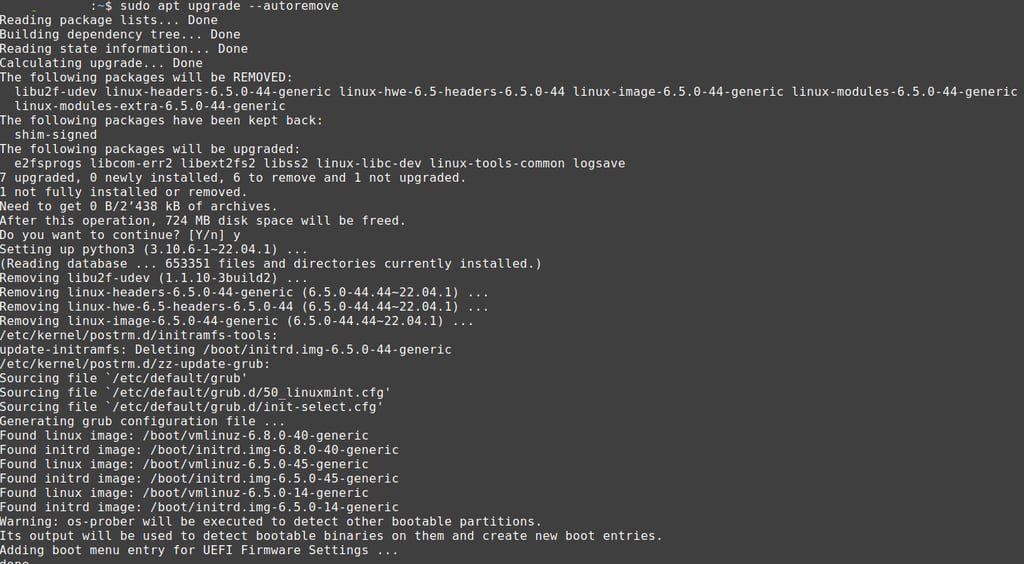
That's it, now it's working again :)